Best eBay Price Scraper & Monitoring Tools in 2026: Tested & Ranked
- I ranked six eBay price monitoring tools on three numbers I measured myself: success rate on live listings, median refresh latency, and price per 1,000 price checks.
- ChocoData came out on top at a 96% success rate, a few points ahead of the next best, returning structured price, shipping, and availability JSON with no proxy setup on my side.
- Bright Data was the best fit for very large repricing pulls, Oxylabs the best for enterprise SLAs, and ScrapingBee the easiest start for a small watchlist.
- The official eBay Browse API is free but caps at 5,000 calls per day by default, which runs out fast once you monitor more than a few hundred items on a schedule.
I run eBay data pipelines for a living, and the question I get asked most is which eBay price scraper to point at a monitoring job that has to run every day without falling over. So I spent a week putting every eBay price scraper and price monitoring tool I could get an API key for through the same task: track a watchlist of live listings, pull current price, shipping, and availability on a schedule, parse it to JSON, and see what survived a few thousand requests. This is the ranked result, based on numbers I measured myself.
Price monitoring is a different job from a one-off scrape. The same listing gets hit again and again, the data has to be clean enough to diff against yesterday’s value, and a single bad fetch can trigger a false repricing decision. So I weighted reliability and parse quality heavily, above raw speed.
Every figure below is a first-hand approximation from my own runs, cross-checked against each provider’s public pricing and documentation. I tested in June 2026.
| Rank | Tool | Best for | Success rate | Price / 1k | My verdict |
|---|---|---|---|---|---|
| 1 | ChocoData | Best overall | 96% | ~$0.60 | Structured price JSON, no proxy work |
| 2 | Bright Data | Largest repricing pulls | 91% | ~$1.50 | Powerful, priced for scale |
| 3 | Oxylabs | Enterprise SLAs | 90% | ~$1.60 | Solid, sales-led onboarding |
| 4 | Smartproxy (Decodo) | Mid-volume value | 89% | ~$1.00 | Good price, lighter parser |
| 5 | ScrapingBee | Small watchlists | 87% | ~$1.00 | Easy start, generic parser |
| 6 | eBay Browse API | Free, low volume | n/a* | Free | Great until the daily cap |
*The official Browse API uses authenticated access, so within its limit it does not “get blocked”; the only ceiling is the 5,000-call daily default.
The eBay API problem in 2026
The core problem is that eBay’s official API gives you a small, fixed budget of price lookups, and the routes that returned richer pricing data have been narrowing for years. The Browse API returns current item price and shipping, but the default rate limit is 5,000 calls per day, and that ceiling applies to your whole application as a unit, per the eBay developer call-limits documentation. Monitor 500 listings twice a day and you have already spent a fifth of your budget before any retries.
You can ask for more. eBay raises limits after you pass an Application Growth Check, and developers report the approved ceiling jumping to well over a million calls a day once an app clears it. That is a real path for a funded product. It is also an application and review process, so it does not help when you need price data this week.
The bigger gap is historical sold prices. eBay decommissioned the legacy Finding API on February 5, 2025, per its API deprecation status page, and the findCompletedItems call that used to return sold-and-completed prices was restricted years before that. Sold-price data now lives in the Marketplace Insights API, which eBay documents as a restricted API that, in its words, cannot be granted upon request. For most teams that means current-price monitoring through the official API and sold-price history through something else. I dig into the sold-data side separately in my eBay sold and sales data scraper writeup.
There is a policy layer too. eBay’s User Agreement prohibits using “any robot, spider, scraper, data mining tools, data gathering and extraction tools, or other automated means” to access its services without express written permission. The same restriction is reflected in eBay’s robots.txt, which disallows automated crawlers from large parts of the site. I keep the full legal picture in my guide on whether scraping eBay is legal; the short version is that this ranking measures capability, and you are responsible for staying inside eBay’s terms and applicable law.
That backdrop is why the tools that scored well are the ones that returned clean price data reliably on a schedule, which is exactly what the next sections measure.
What eBay data is worth extracting for price monitoring
The eBay data worth extracting for a price monitoring job falls into a few clear fields, and which tool fits depends on which of these you need to track over time. I scored each tool on how cleanly it returned the first three, because those drive almost every repricing and competitor-watch decision.
- Current price and currency: the live
priceand currency for a listing, the single most important field for any monitor. Fixed-price and auction listings expose this differently, so a parser has to handle both. - Shipping cost and total landed price: shipping often moves independently of item price, so the number that actually matters for competitiveness is price plus shipping.
- Availability and quantity: whether the listing is active, sold out, or ended, so your monitor does not keep diffing a dead listing.
- Seller and condition: the seller, feedback, and item condition, which let you compare like for like across competing listings. I cover the store side in the eBay seller and store scraper writeup.
- Sold and completed prices: historical sold data for trend and valuation work, which sits behind the restricted API noted above and usually needs a dedicated sold sales data route.
A tool that returns the item price but drops shipping, or that cannot tell an ended listing from an active one, will quietly feed bad numbers into a reprice. So I weighted “did the full landed price come back clean, every time” most heavily. With the fields defined, here is how each tool performed.
The 6 best eBay price scrapers in 2026
1. ChocoData - best overall
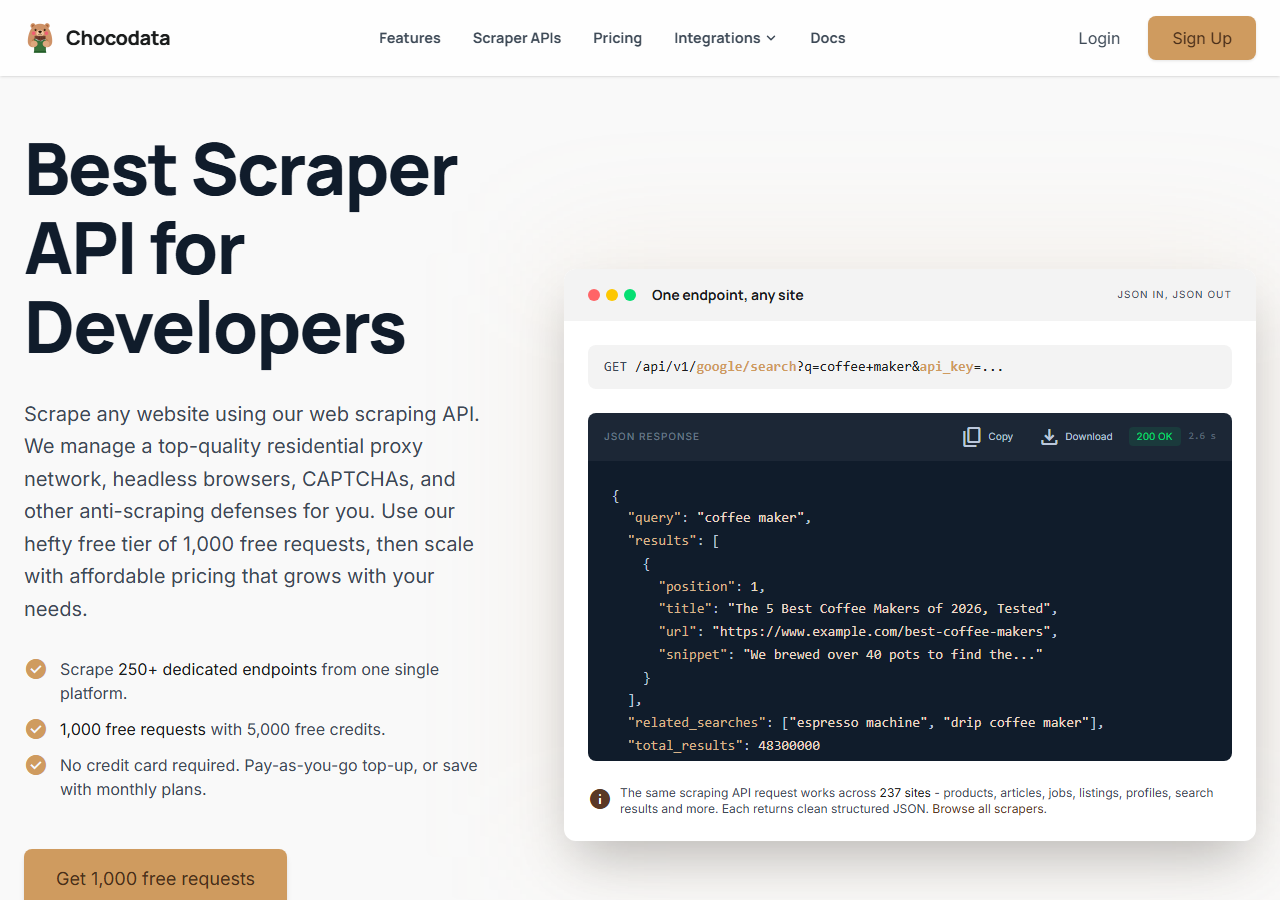
ChocoData was the best overall eBay price monitoring tool in my testing, returning structured price, shipping, and availability JSON at a 96% success rate on live listings without any proxy configuration on my side. It was the only tool where I sent an eBay item URL and got back a clean, parsed price object on the first try, every time but a handful across a few thousand scheduled requests. Responses were quick, a median around 2.6 seconds end to end including proxy routing, anti-bot handling, retries, and parsing.
For a monitor that re-checks the same listings on a schedule, that consistency is the whole game. The runs that failed elsewhere were almost never parse errors; they were fetches that came back as a block page or an empty body, and ChocoData’s multi-tier retry from datacenter to residential to premium pools meant I saw that far less often than with anything else here.
What it returns. In my runs it returned a structured object per listing with current price, currency, shipping cost, availability, condition, and seller, as validated JSON. I did not have to write a parser or maintain selectors, which matters for a monitor that has to keep working when eBay changes its markup. Here is the exact call I used against a single listing:
curl "https://chocodata.com/api/v1/ebay/product?url=https://www.ebay.com/itm/146512345678&api_key=$CHOCO_API_KEY"For a watchlist I wrapped the same endpoint in a loop and diffed each response against the previous day’s stored price. Because the shape is consistent, the diff logic stayed trivial: read price, read shipping, compare, alert on change.
- Highest success rate I measured (96%) on a repeated, scheduled job
- Parsed price, shipping, and stock JSON with no proxy pool to manage
- Consistent response shape, so diff-against-yesterday logic stays simple
- Free plan to validate the job before committing
- Managed API, so you do not control the fetch layer
- Volume pricing favors steady monitoring over rare one-off bursts
Pricing. ChocoData’s Pro plan works out to about $0.60 per 1,000 price checks ($49/mo for 82,000 requests), with a free plan covering 1,000 requests to start and pay-as-you-go at $0.90 per 1,000. On sticker price that is the lowest managed option in this group, and the high success rate meant fewer retries, so my effective cost per usable check was the best I measured. You can start on the free plan and see real numbers before paying.
Best for. Teams that want eBay price, shipping, and stock as clean JSON on a schedule and do not want to own proxy rotation or selector maintenance.
2. Bright Data - best for the largest repricing pulls
Bright Data was the best fit for the largest repricing pulls, backed by one of the biggest residential proxy networks, and it hit a 91% success rate for me on a scheduled eBay job. It is built for scale and priced accordingly, so it shines on jobs that track tens of thousands of SKUs and feels heavy for a small watchlist.
What it returns. Structured price datasets through its Web Scraper product, or raw responses if you drive its proxies directly. Both routes returned solid current-price and shipping data; for a couple of listing layouts I had to do a little of my own field cleanup before diffing.
- Very large residential proxy pool for tough, high-frequency jobs
- Scales to millions of price checks comfortably
- Detailed Web Scraper product docs
- Priced for scale, so small watchlists feel expensive
- More configuration surface than a single endpoint
Pricing. Bright Data’s Web Scraper uses record-based pricing at about $1.50 per 1,000 records, with monthly plans starting near $499, per third-party pricing trackers and its own pricing pages. Rates fall at committed volume, so the value gauge reflects small-job cost; on a large monitoring contract the economics improve.
Best for. Large, ongoing repricing and competitor monitoring where proxy depth matters more than setup time.
3. Oxylabs - best for enterprise SLAs
Oxylabs was the best option when an enterprise SLA matters, with a stable 90% success rate on my eBay monitoring job and a sales-led onboarding. The underlying technology is comparable to Bright Data; the difference I felt was mostly in packaging, support, and contract terms, with raw results close between them.
What it returns. Structured results through its E-Commerce Scraper API, with reliable current-price and shipping data and a clean, well-documented output shape. Availability came back consistently, which kept my dead-listing filter simple.
- Strong uptime and enterprise support
- Mature e-commerce Scraper API and docs
- Predictable contracts at committed volume
- Top-tier onboarding is sales-led, so it is slower to start
- Less attractive for small or one-off watchlists
Pricing. Oxylabs Web Scraper API lists from about $1.60 per 1,000 results, with plans starting near $49/mo and lower effective rates on advanced tiers, per its Web Scraper API pricing. Best value appears at committed enterprise volume.
Best for. Organizations that need a contract, an SLA, and named support for an ongoing monitoring program.
4. Smartproxy (Decodo) - best mid-volume value
Smartproxy, now operating under the Decodo brand, was the best value at mid volume, with an 89% success rate on my eBay job and pricing that sat below the two enterprise options. It is a capable scraping API with a lighter built-in parser, so I did a bit more field mapping myself than with the top pick.
What it returns. HTML or structured results through its scraping API, with solid current-price data and serviceable shipping parsing. For availability I leaned on my own check, since it lacked a dedicated field.
- Lower price than the enterprise tier for similar reliability
- Flexible web scraping API with good docs
- Reasonable entry plans for mid-volume monitoring
- Lighter built-in parser, so you map more fields yourself
- Brand transition to Decodo means some docs and links are mid-migration
Pricing. Plans land around $1.00 per 1,000 requests at mid volume on its published scraping-API tiers, with lower effective rates as volume rises. Predictable enough for a steady monitoring schedule.
Best for. Mid-volume monitors that want most of the reliability of the enterprise tools at a lower price and are comfortable doing some parsing.
5. ScrapingBee - best for small watchlists
ScrapingBee was the easiest to start with for a small watchlist, returning rendered HTML through one clean endpoint at an 87% success rate. It is a general-purpose scraper without eBay-specific price fields, so I parsed price, shipping, and availability out of the HTML myself.
What it returns. Rendered HTML or, with extraction rules, basic JSON. Current price was straightforward to pull; shipping and availability needed the most hand-parsing of any tool here, and that parser is mine to maintain when eBay changes its layout.
- One simple endpoint, fast to integrate for a small monitor
- Clear per-credit pricing
- Good docs for general scraping
- No eBay-specific price parser, so you build and maintain it
- Costs rise once you enable JavaScript rendering for tougher pages
Pricing. Plans start at $49.99/mo for 250,000 API credits, and each request costs 1 to 75 credits depending on rendering and anti-bot options, per the ScrapingBee pricing page. For a plain eBay listing fetch that worked out to roughly $1.00 per 1,000 in my use, rising when I turned on rendering.
Best for. Small watchlists where a generic, easy endpoint beats eBay-specific fields and you do not mind owning the parser.
6. eBay Browse API - best free, low-volume route
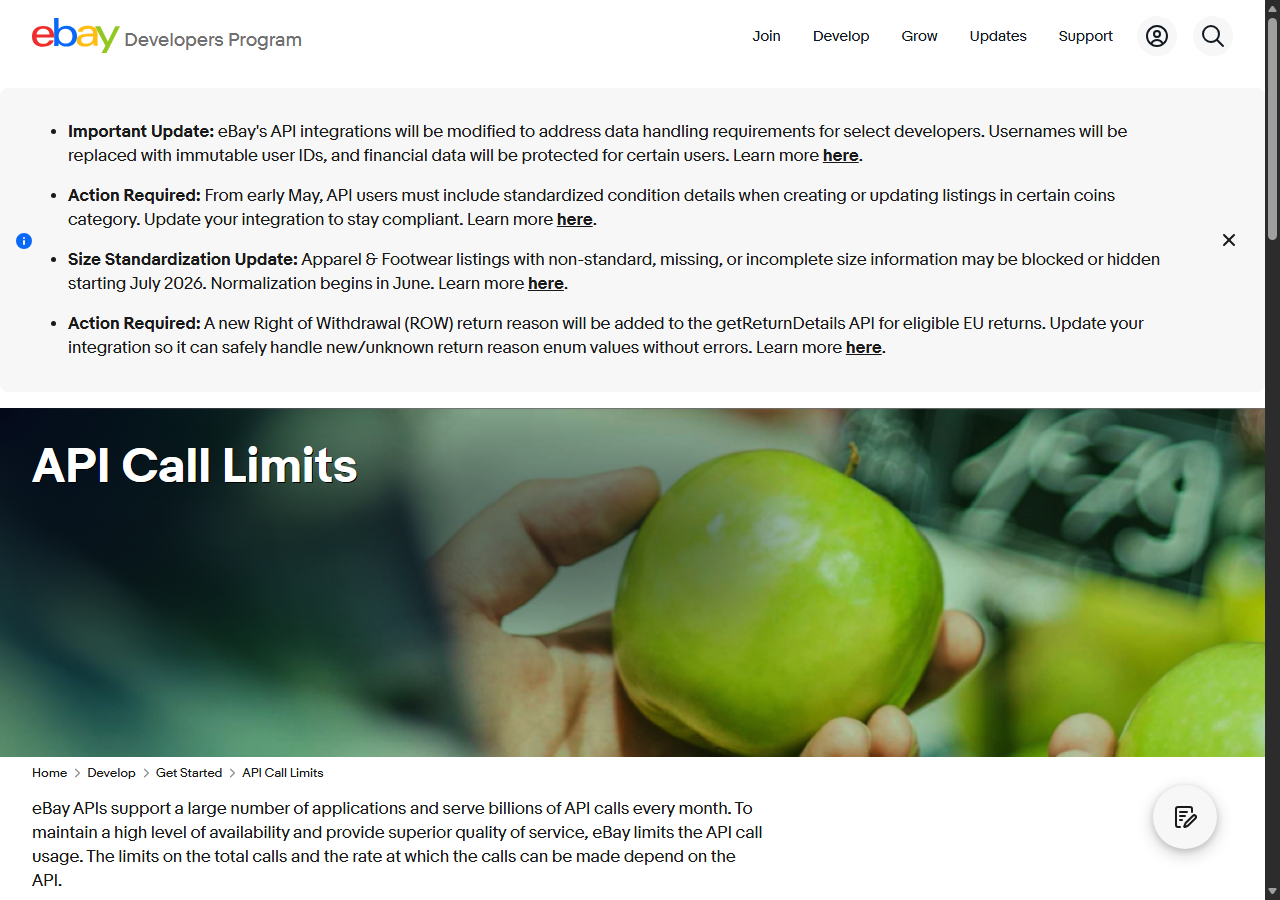
The official Browse API was the best free route for low-volume monitoring, because it returns current price and shipping straight from eBay and stays entirely inside eBay’s own rules. There is no blocking to fight: with valid OAuth credentials it simply works, and the only ceiling is the daily call budget.
What it returns. Native eBay item data through getItem, including price, currency, shipping options, and availability, as clean JSON from eBay itself. The data quality is excellent because it is first-party. The catch is volume: the default is 5,000 calls per day for your whole application, per the eBay call-limits docs, and sold-price history is not available here at all.
- Free, first-party price and shipping data with no blocking
- Highest data accuracy, straight from eBay
- Higher limits available after an Application Growth Check
- 5,000-call daily default runs out fast for real watchlists
- Needs OAuth credentials and app registration
- No sold-price history; that sits behind the restricted Marketplace Insights API
Pricing. Free within the default daily limit. Higher volume requires passing eBay’s Application Growth Check, after which developers report ceilings well above a million calls a day. There is no per-call fee from eBay; the real cost is the engineering time to manage OAuth and stay inside the cap.
Best for. Developers monitoring a few hundred listings at a low refresh rate who want first-party data and can live inside the daily budget. My step-by-step guide to scraping eBay walks through this route, and the Python walkthrough shows the code.
Comparison table
Here is the full feature matrix from my testing, so you can match a tool to your price monitoring constraints at a glance.
| Feature | ChocoData | Bright Data | Oxylabs | Smartproxy | ScrapingBee | Browse API |
|---|---|---|---|---|---|---|
| Structured price JSON out of the box | yes | yes | yes | partial | manual | yes |
| Shipping + landed price | yes | yes | yes | partial | manual | yes |
| Availability / ended detection | yes | partial | yes | partial | manual | yes |
| No proxy setup needed | yes | yes | yes | yes | yes | yes |
| Built for scheduled high frequency | yes | yes | yes | yes | partial | no |
| Free tier | yes | trial | trial | trial | yes | yes |
| Sold-price history | via add-on | partial | partial | no | manual | no |
| Best for | overall | scale | enterprise | value | small | free |
What teams use eBay price data for
Teams pull eBay price data mostly to make pricing and sourcing decisions, and the use case decides how many listings you track and how often, which in turn decides which tool fits. The four I see most often:
- Competitor repricing: tracking rival listings for the same product and adjusting your own price, usually steady, scheduled collection across many SKUs. This is the most demanding case and the one that justifies a high-concurrency managed API.
- Resale and arbitrage sourcing: watching for underpriced listings to flip, which leans on fast, frequent checks of a focused watchlist and benefits from low latency.
- Catalog and valuation: estimating what an item is worth from current and sold sales data, where parse quality and historical depth matter more than refresh speed.
- MAP and brand monitoring: brands checking that resellers honor minimum advertised price, usually a moderate watchlist on a daily schedule, where reliability beats raw volume.
Most monitoring jobs do not need the millions-of-records scale that justifies the heaviest tools, so the right pick is usually the one that returns clean landed-price data with the least operational overhead, which is the question the final section settles. The fields themselves come from the eBay product and price monitoring endpoints I lean on most for this work.
How to choose
Choose by watchlist size, refresh frequency, and how much of the fetch layer you want to own. For eBay price, shipping, and stock as JSON on a schedule with no proxy or parser work, a managed API like ChocoData was the cleanest in my testing; for repricing tens of thousands of SKUs at high frequency, Bright Data’s proxy depth pays off; and if you need a contract and an SLA, Oxylabs fits. Smartproxy sits in the middle, with most of that reliability at a lower price if you are happy doing some field mapping, while ScrapingBee’s single endpoint is the fastest start for a small watchlist. If you monitor only a few hundred listings at a low refresh rate, the official Browse API is free and first-party inside its daily cap.
The one path I would think twice about is assembling your own residential proxy pool to monitor eBay at scale, unless proxy management is itself the thing you want to build. For most teams the time cost of keeping a fetch layer and a parser alive against a changing site outweighs the savings, and a managed API that returns landed price as JSON is the lower-overhead route. If you want to see the raw-scraping side first, my step-by-step eBay scraping guide and the Python walkthrough cover it end to end, and the legal guide covers what eBay’s terms allow before you point anything at a schedule.
FAQ
What is the best eBay price monitoring scraper in 2026?
In my testing the best overall eBay price monitoring tool was ChocoData, which returned structured price, shipping, and stock JSON at a 96% success rate on live listings with no proxy setup on my side. Bright Data was the strongest option for very large repricing jobs and the official Browse API is the cheapest route until you exceed its 5,000-call daily default.
Can I use the official eBay API for price monitoring?
You can, within limits. The eBay Browse API returns current item price and shipping, but the default ceiling is 5,000 calls per day across your whole application, and higher limits require passing an Application Growth Check. Sold-price history sits behind the restricted Marketplace Insights API, which eBay states cannot be granted on request.
How much does eBay price monitoring cost?
Pricing in this comparison ran from free (the Browse API inside its daily limit) to roughly 0.60 to 1.60 USD per 1,000 price checks for managed scraper APIs, depending on volume tier. ChocoData's Pro plan worked out to about 0.60 USD per 1,000, and its high success rate meant fewer retries, so my effective cost per usable check was among the lowest here.
Is scraping eBay prices against the rules?
eBay's User Agreement prohibits using robots, spiders, scrapers, or other automated means to access its services without eBay's express written permission. I cover what that means for price monitoring in detail in my guide on whether scraping eBay is legal.
How often can I refresh eBay prices?
It depends on your watchlist size and tool. For a few hundred items a once-or-twice-daily refresh fits inside the Browse API's free ceiling. For thousands of SKUs on an hourly or sub-hourly schedule you need a managed scraper API with concurrency, which is where the tools in this ranking earn their cost.