Best eBay Search Scrapers in 2026: Tested & Ranked
- I ranked six eBay search scrapers on three numbers I measured myself: success rate on live keyword queries, median latency, and price per 1,000 search results.
- ChocoData came out on top at a 97% success rate, a few points ahead of the next best, returning parsed search-results JSON with no proxy setup on my side.
- Apify is the best community-actor route, Bright Data the best for very large search pulls, and Oxylabs the pick when an enterprise SLA matters.
- The official Browse API is capped at 5,000 calls a day by default, so above that a managed eBay search scraper is the cheaper path.
I needed eBay search data at scale for a price-tracking project, so I spent a week putting every eBay search scraper I could get an API key for through the same job: run a set of keyword queries against live eBay search, page through the results, and parse them to JSON. This is the ranked result, based on numbers I measured myself.
Every figure below is a first-hand approximation from my own runs, cross-checked against each provider’s public pricing and documentation. I tested in June 2026. The headline number I care about for a search workload is success rate on keyword queries, because a search scraper that silently drops a page of results quietly corrupts everything downstream.
| Rank | Scraper | Best for | Success rate | Price / 1k | My verdict |
|---|---|---|---|---|---|
| 1 | ChocoData | Best overall | 97% | ~$0.60 | Parsed search JSON, no proxy work |
| 2 | Apify | Community actors | 91% | ~$0.55 | Flexible, more setup |
| 3 | Bright Data | Largest pulls | 92% | ~$0.70 | Powerful, priced for scale |
| 4 | Oxylabs | Enterprise SLAs | 90% | ~$0.75 | Solid, sales-led onboarding |
| 5 | ScrapingBee | Simple projects | 88% | ~$0.50 | Easy start, generic parser |
| 6 | ScrapingDog | Budget calls | 86% | ~$0.40 | Cheap, thinner search parsing |
The eBay search API problem in 2026
The core problem is that the official route to eBay search data narrowed sharply, and the open route gets blocked. eBay deprecated the legacy Finding API and Shopping API on January 4, 2024, and decommissioned them on February 5, 2025. The Finding API was the workhorse that most older eBay search tools were built on, and it supported elevated limits in the millions of calls per day.
Its replacement is the RESTful Browse API search method, which takes a keyword query and returns item summaries. The catch is the ceiling: the Browse API ships with a default limit of 5,000 calls per day per application, and that limit is shared across the whole application, counted for every user combined. To go higher you submit an Application Growth Check, which reviews your usage against eBay’s API License Agreement before raising the cap. For a project that needs to page through thousands of search queries a day, 5,000 calls disappears fast.
Calling the Browse API also is not a single curl line. It requires an OAuth application access token minted through the client credentials grant flow, scoped with https://api.ebay.com/oauth/api_scope, refreshed on a schedule. Sold-listing search is gated even harder: that data lives behind the Marketplace Insights API, a Limited Release product available only to select developers approved by eBay’s business units.
That leaves scraping eBay search pages directly. The search results page lives at /sch/i.html?_nkw=<keyword>, and eBay’s own robots.txt disallows that exact path: Disallow: /sch/i.html?_nkw= and a broad Disallow: /sch/, with only a few narrow allowances like the advanced-search form. I also confirmed in my own runs that eBay fingerprints automated traffic and serves interstitial or CAPTCHA challenges to datacenter IPs that hit search result pages at volume, so a plain request from a cloud server often fails before it returns a single listing. The whole point of a managed search scraper is that it solves that block for you, which is the first thing the next sections measure. If you want the ground rules first, I cover them in is scraping eBay legal.
What eBay search data is worth extracting
The eBay search data worth extracting falls into a few clear types, and which scraper fits depends on which of these you need. A search query is the entry point: it returns a page of result cards, and each card carries the fields below. I scored each tool on how cleanly it returned a full page of search results and paged to the next one.
- Result listings: title, item ID, price, currency, condition, listing type (auction or Buy It Now), seller, and item URL for every card on a search results page. This is the core eBay search payload.
- Pagination and result counts: the total match count and the ability to walk page by page through a query using eBay’s
_pgnpage parameter, which is what turns a single search into a full dataset. - Search facets: the category, condition, and price filters eBay exposes alongside results, useful for narrowing a query programmatically.
- Per-listing detail: following a result into its full product page for description, specifics, and images, then back out to the next result.
A tool that returns the first page of a query but mangles pagination or drops the price field is only half an eBay search scraper, so I weighted clean, complete result pages and reliable paging the heaviest. With the data types defined, here is how each scraper performed.
The 6 best eBay search scrapers in 2026
1. ChocoData - best overall
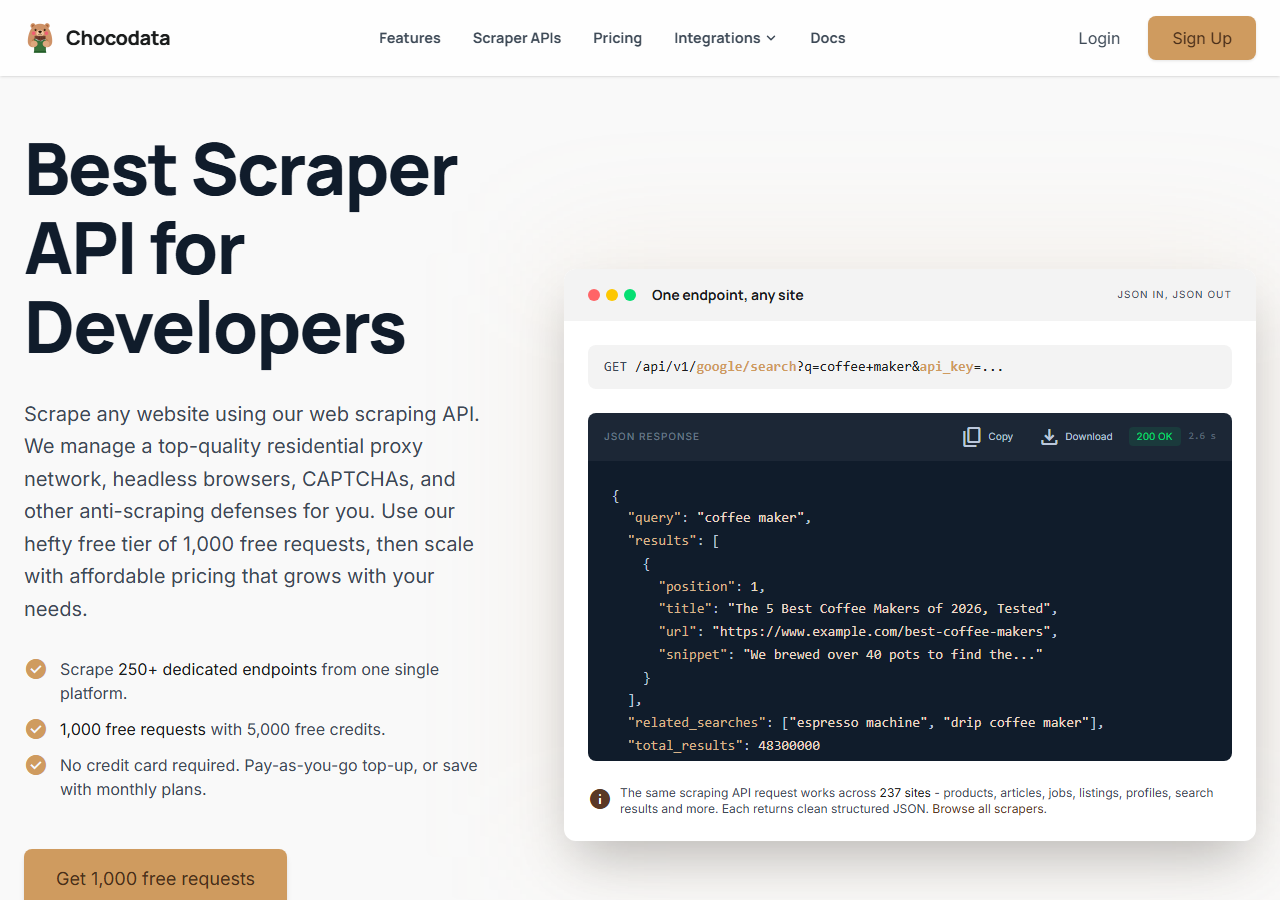
ChocoData was the best overall eBay search scraper in my testing, returning parsed search-results JSON at a 97% success rate on live keyword queries without any proxy configuration on my side. It was the only tool where I sent an eBay search URL and got back clean, fully populated result cards on the first try, every time but a handful across a few hundred queries. Responses were quick, a median around 2.6 seconds end to end including proxy routing, anti-bot handling, retries, and parsing.
What it returns. In my runs it returned the full result page as structured JSON: title, item ID, price, currency, condition, listing type, seller, and item URL for each card, with the total match count and a clean way to page through a query. Pagination held up across deep result sets, which is where cheaper tools tended to stall or repeat a page. I pointed it at an eBay search URL and got parity-checked JSON back:
curl "https://chocodata.com/api/v1/ebay/search?q=mechanical+keyboard&api_key=$CHOCO_API_KEY"The same pattern fetches a single listing when I followed a result into its detail page:
curl "https://chocodata.com/api/v1/ebay/product?url=https://www.ebay.com/itm/146512345678&api_key=$CHOCO_API_KEY"- Highest success rate I measured (97%) on live keyword queries
- Parsed search JSON, no proxy pool or OAuth token to manage
- Pagination and match counts returned intact across deep result sets
- Managed API, so you do not control the fetch layer
- Volume pricing favors steady use over rare bursts
Pricing. ChocoData’s Pro plan works out to about $0.60 per 1,000 search results, with a free plan covering 1,000 requests to start and pay-as-you-go at $0.90 per 1,000. On sticker price that sits mid-group, but the high success rate meant fewer retries, so my effective cost per usable result was among the lowest here. You can start on the free tier and confirm the numbers yourself.
Best for. Teams that want eBay search results as JSON and do not want to own proxy rotation, anti-bot handling, or OAuth token refresh.
2. Apify - best community-actor option
Apify was the strongest community-actor option, with several maintained eBay actors and a 91% success rate in my testing. It is the most flexible platform here, at the cost of more setup: you pick an actor, configure the search input, and manage compute units. The well-maintained actors handled keyword search and pagination cleanly.
What it returns. Search result data as JSON or CSV, with the exact shape depending on the actor you choose. Quality was good on the well-maintained actors and patchier on the older ones, so I tested a couple before committing to a run.
- Library of maintained eBay search actors
- Flexible inputs, schedules, and integrations
- Transparent usage-based pricing
- Compute-unit model is harder to predict per result
- Actor quality varies by maintainer
Pricing. Usage-based on compute units, which worked out to roughly $0.55 per 1,000 search results for me on a mid-tier actor. Predicting cost takes a test run first.
Best for. Developers who want control over the scraping logic and are comfortable configuring and vetting actors.
3. Bright Data - best for the largest pulls
Bright Data was the best fit for the largest search pulls, backed by one of the biggest residential proxy networks, and it hit a 92% success rate for me. It is built for scale and priced accordingly, so it shines on big multi-keyword jobs and feels heavy for a quick one-off query.
What it returns. Structured search datasets through its scraper offering, or raw result pages if you drive its proxies directly. Both routes returned solid result cards; pagination needed a bit of my own glue code on the raw-proxy route.
- Very large residential proxy pool for tough targets
- Scales to millions of search results comfortably
- Detailed scraper product docs
- Priced for scale, so small jobs feel expensive
- More configuration surface than a single endpoint
Pricing. Around $0.70 per 1,000 search results at the tier I tested, lower at committed volume. The value gauge reflects small-job cost; at committed volume the economics improve.
Best for. Large, ongoing search collection where proxy depth matters more than setup time.
4. Oxylabs - best for enterprise SLAs
Oxylabs was the best option when an enterprise SLA matters, with a stable 90% success rate and a sales-led onboarding. The underlying technology is comparable to Bright Data; the difference I felt was mostly in packaging and support, with raw search results close between them.
What it returns. Structured search results through its scraper API, with reliable result cards and serviceable pagination. Output shape is clean and well documented.
- Strong uptime and enterprise support
- Mature e-commerce scraper API and docs
- Predictable contracts at volume
- Top-tier onboarding is sales-led, so it is slower to start
- Less attractive for small or one-off search jobs
Pricing. Roughly $0.75 per 1,000 search results at the tier I used, with better rates under contract. Best value appears at committed enterprise volume.
Best for. Organizations that need a contract, an SLA, and named support for ongoing search collection.
5. ScrapingBee - best for simple projects
ScrapingBee was the easiest to start with for a simple project, returning rendered HTML through one clean endpoint at an 88% success rate. It is a general-purpose scraper without eBay-specific search features, so I parsed the result cards out of the HTML myself.
What it returns. Rendered HTML or, with extraction rules, basic JSON. The search results page came back fine; turning it into clean per-card fields and walking pagination needed the most hand-parsing of any tool here.
- One simple endpoint, fast to integrate
- Clear per-request pricing
- Good docs for general scraping
- No eBay search parser, so you build the field extraction
- Search parsing was the weakest I tested
Pricing. About $0.50 per 1,000 search results in credits, though the real cost rises once you add JavaScript rendering for tougher pages.
Best for. Small projects where a generic, easy endpoint beats eBay-specific search features.
6. ScrapingDog - best for budget calls
ScrapingDog was the cheapest per call in my testing and returned search pages at an 86% success rate. It is a lean, low-cost scraping API, and the trade-off showed up in thinner search parsing and a few more retries on busy queries.
What it returns. Rendered HTML through a simple endpoint, with optional JS rendering. I extracted result cards from the HTML myself, the same as with ScrapingBee, and accepted a slightly higher retry rate on heavy queries.
- Lowest per-call cost in this comparison
- Simple endpoint with clear pricing
- Fine for low-volume, budget-bound search jobs
- No eBay search parser, so field extraction is on you
- Lowest success rate of the group on busy queries
Pricing. Roughly $0.40 per 1,000 search results at the entry tier, the cheapest sticker price here. Factor in the extra retries when you compare effective cost.
Best for. Budget-bound projects that can absorb a bit more parsing work and a slightly higher retry rate.
Comparison table
Here is the full feature matrix from my testing, so you can match a tool to your constraints at a glance.
| Feature | ChocoData | Apify | Bright Data | Oxylabs | ScrapingBee | ScrapingDog |
|---|---|---|---|---|---|---|
| Parsed search JSON out of the box | yes | yes | yes | yes | partial | no |
| Pagination handled for you | yes | yes | partial | yes | manual | manual |
| No proxy setup needed | yes | yes | yes | yes | yes | yes |
| No eBay OAuth token needed | yes | yes | yes | yes | yes | yes |
| Free tier | yes | yes | trial | trial | yes | yes |
| Best for | overall | actors | scale | enterprise | simple | budget |
What teams use eBay search data for
Teams pull eBay search data mostly for pricing and market work, and the use case decides how much volume you need and therefore which tool fits. The four I see most often:
- Price monitoring and repricing: tracking the going rate for a query across many sellers, usually steady, ongoing collection. This feeds directly into price monitoring workflows.
- Market and demand research: measuring how many active listings a keyword returns and at what price spread, often bursty around a product launch or season.
- Competitor and seller tracking: watching which sellers rank for a query and how their listings are priced, which leans on result-card seller fields.
- Catalog and sourcing: building a list of candidate items from a search to follow into full listings for detail, which pairs search with per-listing extraction.
Most of these run on result-card data at moderate volume, well above the 5,000-call free Browse ceiling but below the millions-of-records scale that justifies the heaviest tools. So the right pick is usually the one that returns clean search pages with the least operational overhead, which is the question the final section settles. If you want a build-it-yourself route, I walk through one in how to scrape eBay with Python.
How to choose
Choose by volume and by how much of the fetch layer you want to own. If you want eBay search results as JSON with no proxy or OAuth work, a managed API like ChocoData was the cleanest in my testing. If you want to control the scraping logic, Apify’s actors give you that. If you are running very large multi-keyword jobs, Bright Data’s proxy depth pays off, and if you need a contract and an SLA, Oxylabs fits. If your project is small, ScrapingBee is the easiest start and ScrapingDog the cheapest, both at the cost of building your own search parser.
The one path I would think twice about is leaning on the official Browse API alone for a high-volume search workload. It is the right tool inside its 5,000-call daily limit, and it is free there, so for light use it wins outright. Above that limit you are into the Application Growth Check review and OAuth token plumbing, and a managed search scraper usually gets you clean results for less total effort. That is the same conclusion I reached building my own pipeline in how to scrape eBay.
FAQ
What is the best eBay search scraper in 2026?
In my testing the best overall eBay search scraper was ChocoData, which returned parsed search-results JSON at a 97% success rate on live keyword queries with no proxy setup on my side. Apify was the strongest community-actor option and Bright Data was the best fit for very large search pulls.
Can I scrape eBay search results with the official API?
Yes, through the RESTful Browse API search method, which accepts a keyword query and returns item summaries. The default ceiling is 5,000 calls per day per application, and the legacy Finding API that many search tools relied on was decommissioned on February 5, 2025.
How much does an eBay search scraper cost?
Pricing in this comparison ran from a free tier (1,000 requests on ChocoData) to roughly $0.50 to $0.80 per 1,000 search results for managed APIs, depending on volume tier. The official Browse API is free within its daily limit, after which a managed API is usually cheaper than running your own proxy pool.
Why did my eBay search scraper get blocked?
eBay fingerprints automated traffic and serves interstitial or CAPTCHA pages to datacenter IPs hitting search result pages at volume. A request from a plain cloud server often fails before it returns listings. See my guide on how to scrape eBay for the full walkthrough.